
01
Add without typing it all out
Scan the product code, read the date from its label or enter it manually. You confirm the details.
Download the Android app and start for free, without an account.

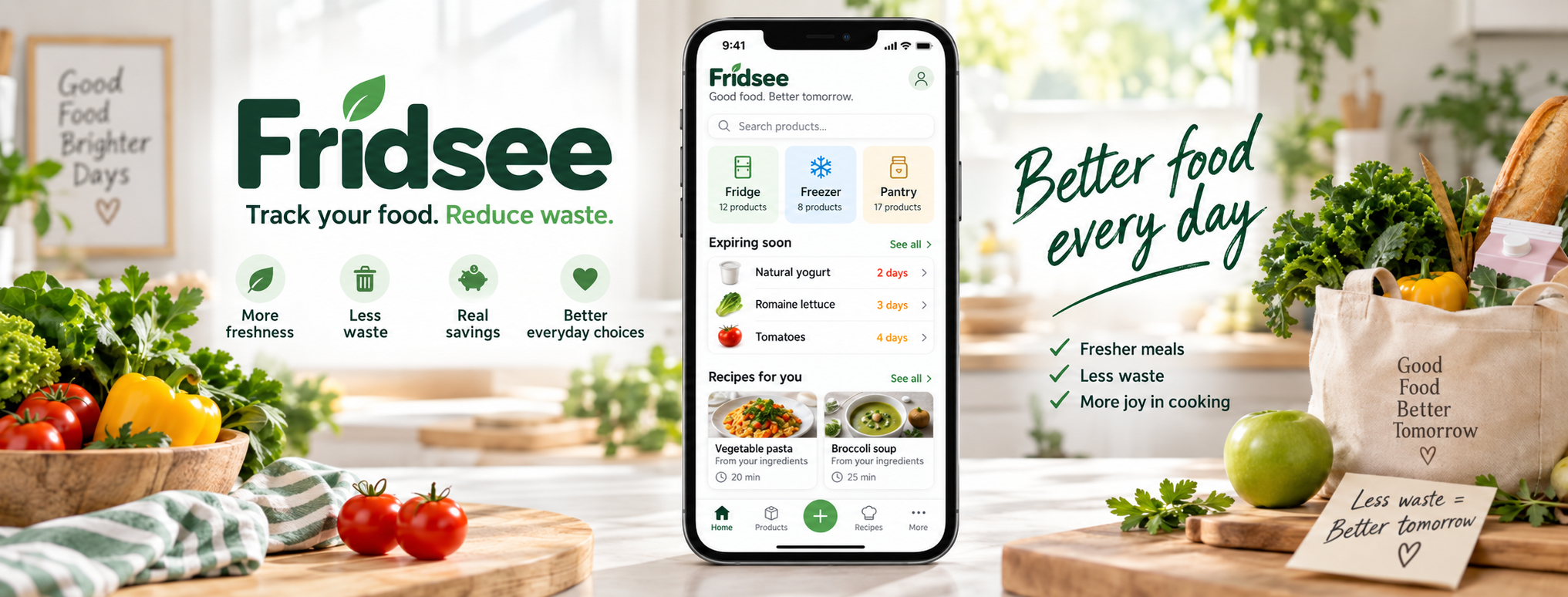
Know what you have. Use what is fresh. Fridsee brings together your food inventory, expiry dates and cooking ideas — on your phone and in your browser.
Small everyday decisions become easier when everything is in one place.
Scan the product code, read the date from its label or enter it manually. You confirm the details.
See products with upcoming expiry dates. Decide what to use, freeze or add to your shopping list.
Find a recipe that fits your inventory, add missing ingredients to your list and deduct them after cooking.
On your phone, or together with your household.
Your inventory and shopping list stay on this phone.
Shared data and synchronization for all current household members.
| Feature | Free | Premium |
|---|---|---|
| Inventory and shopping list | Locally on your phone | Shared within your household |
| Fridsee account | Not required | Required for synchronization |
| Sync across devices | Not available | Available once enabled |
| Sharing with household members | Local data is not shared | All current household members |
| Local Free backup | Save and restore a file | Still available in Local Free mode |
In the Android app, open “Premium with Google Play”. Choose a monthly or yearly subscription; the current price and terms are shown before you confirm your purchase.
After activation, select your household and enable synchronization separately. Signing in or purchasing does not turn it on.
Use import to choose which Local Free items to transfer. The local originals are retained.
Synchronization pauses. Saved data on your phone and pending changes are retained, and Local Free still works. You can resume synchronization after renewal.
Explore the app step by step ↗When someone adds milk to the shopping list or uses the last yoghurt, you can find the latest inventory in your household. No extra notes or “please buy…” messages.
Go to your householdFrom your first product to cooking together. Explore the guide at your own pace.
Open the user guideWe are exploring partnerships with food producers: reliable product data and information available after scanning.
Explore our direction for producers